









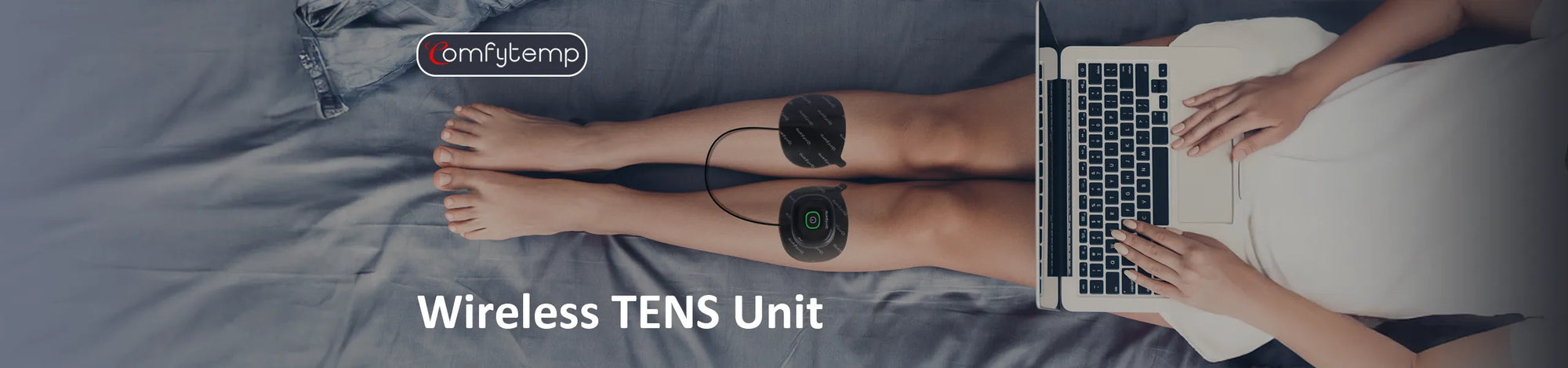
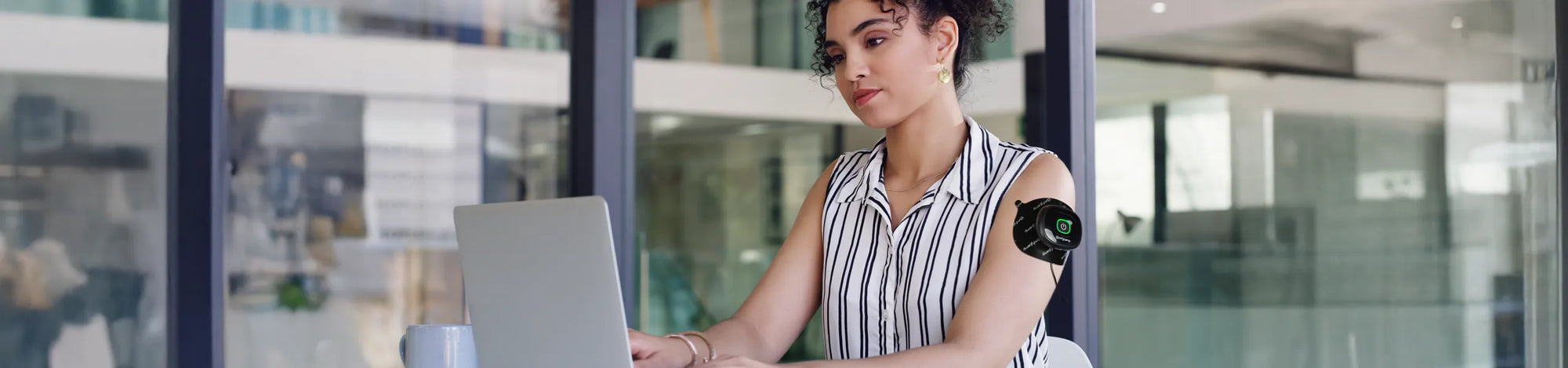
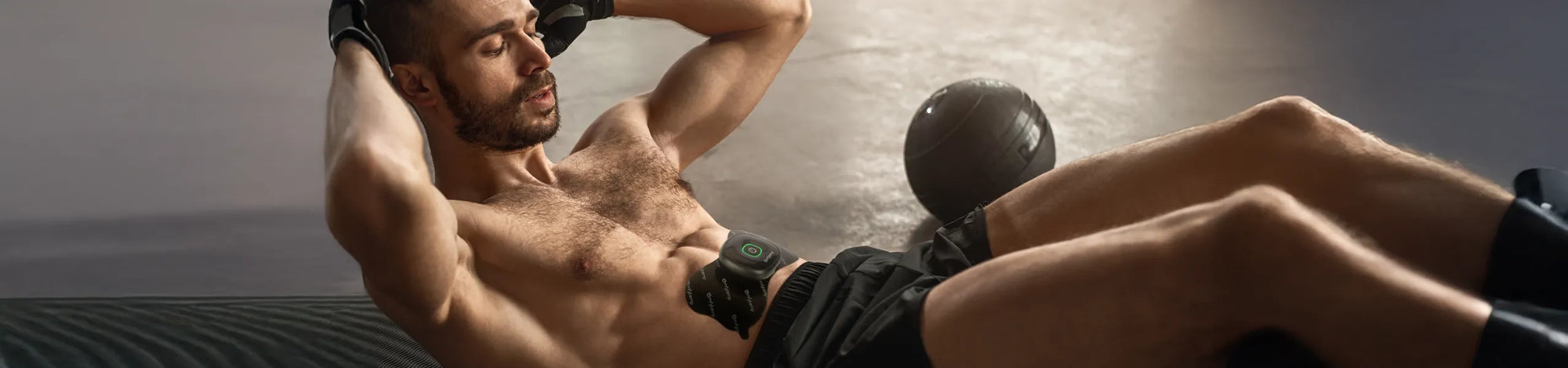
Wireless TENS Unit, 2Pack






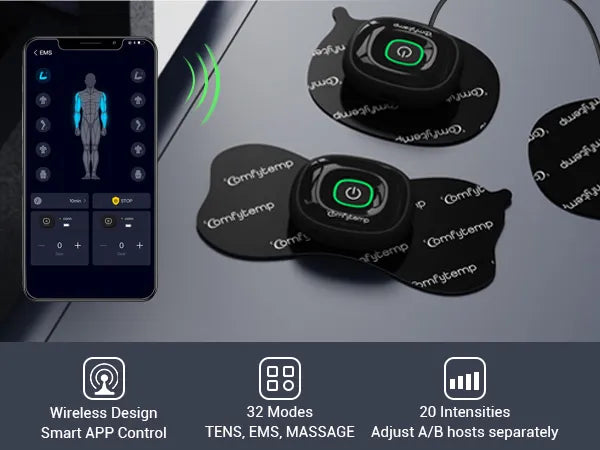



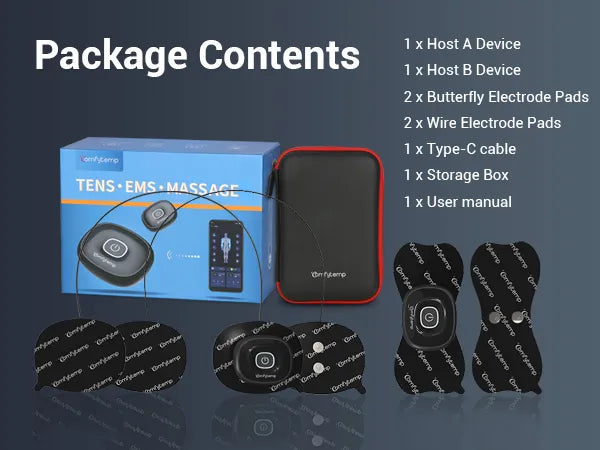
A:
Charge with 5V 1A/2A adapter for about 2-3 hours until full charge.
A:
1.Clean the sticky part of the electrodes with clean water. If they don't stick well, use new ones.
2.Before applying the electrodes, clean your skin and avoid using lotions or oils. Shaving the area may help the electrodes last longer.
A:
1.Restart the program.
2.The two electrodes need to be pasted on the skin before the device can output pulses.
3.Check electrode positions and ensure that adhesive electrodes do not overlap.
4.The device's intensity works better when the battery is charged. Please charge it for 2-3 hours before using.
5.In consideration of safety, the device does not support usage while charging.
6.It might be because the button is not making good contact. Please try using a different electrode pad.
A:
This indicates low battery. Charge the device for about 2-3 hours with 5V1~2A adapter.
A:
1.The electrodes are not positioned correctly. Check their positions and re-position, if necessary.
2.The electrodes are worn. This may cause irritated skin as even distribution of the current across the entire area is no longer guaranteed. For this reason, replace the electrodes.
A:
Immediately stop treatment and wait until your skin has returned to its normal condition. If the redness is under the electrode and disappears quickly, there is no risk - this is caused by the locally stimulated, increased blood flow. However, consult your doctor before you continue treatment if the skin irritation persists and this is accompanied by an itchy sensation or inflammation. This may be caused by an allergic reaction to the adhesive surface.
A:
1.Please check the network status.
2.If the update is successful, the device will restart on its own. If the update fails, the device will tell the customer to restart it manually, and it will go back to the previous version. Please try again.
A:
1.First, make sure your phone's BLE is turned on.
2.Follow the instructions on page 7.2 of User Manual for BLE connection.
3.Try deleting the BLE device and repair it.
4.You can't use BLE while charging the product.
5.To find the problem, check if your phone can connect to other BLE 5.0 devices at home or try a different phone to connect to this one.
A:
For Android systems, please go to"Settings→Apps&permissions→Appinfo→Toprightcorner(three dots)→Show system apps→Bluetooth→Storage →Clear data", then attempt to reconnect.
A:
1.The intensity is related to the battery level, and there is a difference of 10-20V intensity between low and full battery. Please charge the host for 2 hours and try again.
2.It might be because the button is not making good contact. Please try using a different electrode pad.


