
























A cordless heating pad for office use solves a very specific annoyance: the USB cord that snakes across your keyboard, snags your mouse, and turns a quick stretch break into cable management. If you sit through long meetings, run cold at your desk, or deal with a stiff lower back by mid-afternoon, a battery-powered pad looks like an obvious upgrade. But "cordless" is a feature, not a guarantee — the battery changes how hot the pad gets, how long it stays warm, and how much of your day it actually covers.
Quick Answer: A cordless heating pad for office use typically delivers modest heat for roughly one to three hours per charge, depending on the heat level and battery size. It is best for short, targeted comfort sessions during the workday — not all-day continuous heat — so a charging routine matters as much as the pad itself.
Why Cordless Makes Sense in an Office (And Where It Doesn't)
The real advantage isn't heat output — it's placement freedom. A cordless pad can sit against your lower back while you walk to a meeting room, drape over your shoulders in a shared workspace with no nearby outlet, or rest on your lap without a cable tugging at a laptop. That flexibility is the point: you use it in the ten-minute gaps between tasks, not for a full eight-hour marathon.
But corded pads have one honest edge. Because they draw constant power, they can sustain higher, steadier heat indefinitely. If your priority is maximum warmth for a long afternoon, a plug-in pad wins on both temperature and consistency. Cordless wins when portability and a clean desk matter more than peak heat.
One safety note that's easy to overlook: not all USB-powered heat products are equally well made. Cheap USB heating pads have been recalled over fire and burn hazards, per a CPSC recall notice, so buy from brands that publish clear heat limits and care instructions rather than the cheapest listing.
Reading Battery Specs vs. Real Runtime
Manufacturers love to print big milliamp-hour (mAh) numbers, but mAh alone tells you little. What matters is watt-hours — volts × amp-hours — because heat is power-hungry. A pad running at a higher wattage drains a battery faster than a lower-wattage pad with the same capacity.
Here's the practical reality check for a cordless heating pad for office use:
- Advertised "hours" usually assume the lowest heat setting. Expect roughly half that at medium and less at high.
- Heat is one of the most battery-intensive features you can run. A pad that claims "all day" is almost certainly cycling on and off at low power, not holding steady heat.
- Older batteries lose capacity. A pad that gave you two hours when new may give noticeably less after a year of daily charging.
So when you compare products, don't stop at the runtime bullet. Look for whether the brand states runtime per heat setting — that's the mark of an honest spec sheet. If a listing only says "long-lasting battery" with no number, treat the claim with skepticism.

Heat Settings and How Long They Last
Most cordless pads offer two to four heat levels, with a safety auto-off that kicks in after a set window — often in the range of 15 to 60 minutes per cycle. That auto-off isn't a flaw; it's a burn-prevention feature, and you should treat it as a natural session timer.
How to actually use the heat levels across a workday:
- Start low. Begin on the lowest setting for the first five to ten minutes. For minor aches, low heat is often enough, and it stretches your battery.
- Time your sessions. Aim for a single 15–30 minute session per heat cycle rather than leaving it running continuously. This mirrors general guidance for electric heating pads, which suggests limiting higher-heat use to short windows and removing the pad afterward.
- Place it where it stays put. Lower back, shoulders, or lap work best because the pad isn't shifting every time you reach for the mouse.
- Drop a level before you notice discomfort. Skin doesn't always register heat buildup quickly, especially through clothing.
For a fuller picture of safe timing, Healthline's heating pad guidance notes that high settings should be limited to roughly 15–30 minutes, while low settings can run longer — useful framing for planning your own sessions.
The trade-off nobody mentions
Higher heat = shorter runtime = more charging. There's no setting that gives you both maximum warmth and maximum hours. Decide which you need before you buy.
Charging at Work: Practical Options
The charging routine is where most people get caught out, because a dead pad at 2 p.m. is useless. Plan for it the way you plan for your phone.
- USB-C is your friend. A pad that charges over standard USB-C can top up from a laptop, a power bank, or a wall brick — no proprietary cable to lose.
- Keep a power bank in your bag. A modest power bank can often deliver a partial or full top-up, turning a lunch break into a recharge window.
- Charge during meetings, not during use. Plug in while you're at your desk between sessions so the pad is ready when you actually want heat.
- Don't store it at full heat and empty. If your pad lives in a desk drawer, charge it to a partial level and top up before use rather than letting it sit drained for weeks.
Some cordless warmth products lean on small rechargeable battery packs specifically because they're light and easy to top up — a design approach seen in low-cost portable warming devices, as described in this write-up on a battery-powered warming pad. The takeaway for buyers: small batteries are convenient but inherently limited, so match expectations to capacity.
When Cordless Falls Short — and Who Should Skip It
Cordless is not the right choice for everyone, and pretending otherwise wastes your money.
Skip cordless if:
- You need sustained heat for hours at a stretch — a corded pad is simply better suited.
- You have reduced skin sensation, circulation problems, or diabetes, which raise burn risk from any heat source. Consult your healthcare provider before use.
- You're pregnant, breastfeeding, or using the pad near the abdomen. Consult your healthcare provider before use.
- You have a pacemaker or similar implanted device and are considering any device with electrical components — check with your clinician first.
- You want deep, penetrating warmth — cordless pads tend to be gentler and less intense than plug-in models.
Also know the limits of what heat does. A heating pad may help ease minor muscle aches and stiffness from sitting, but it does not fix ergonomics, underlying injury, or chronic pain conditions. If your discomfort persists or worsens, see a medical professional rather than buying a bigger battery.
The most common mistake
The classic error is buying a cordless pad expecting corded-level heat, then concluding "it doesn't work" when it only feels mildly warm. Cordless pads are designed for gentle, portable comfort — not maximum output. Set expectations accordingly, and you'll be far happier. The second most common mistake is ignoring the auto-off and assuming the pad has failed when it has simply cycled down for safety.
Choosing a Cordless Heating Pad for Office Use: A Decision Framework
Match the pad to how you'll actually use it, in this order:
| Your priority | What to look for |
|---|---|
| Short comfort breaks | Any cordless pad with 2–3 heat levels and USB-C charging |
| All-day warmth | A corded or USB-powered pad, not battery-only |
| Desk-to-meeting portability | Lightweight, flexible, wraps around back or shoulders |
| Cold hands/feet too | A combo or multi-zone pad rather than a single-zone one |
| Sensitive skin | Lower max temperature and reliable auto-off |
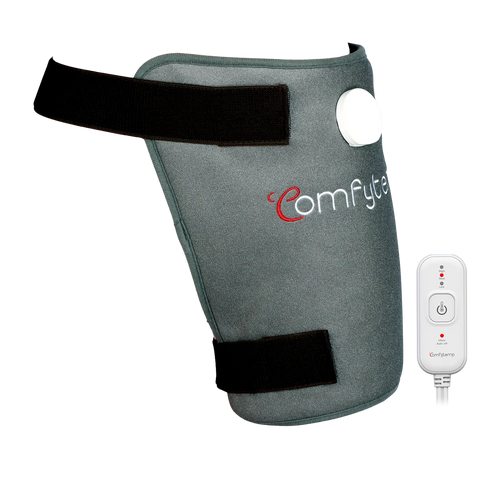
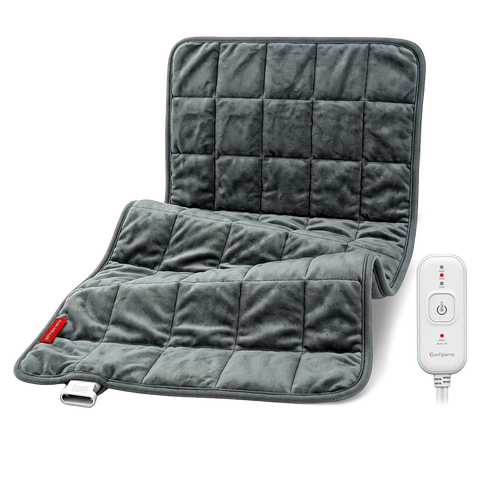
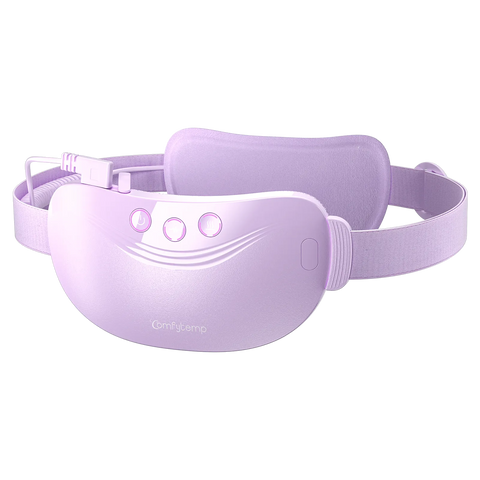
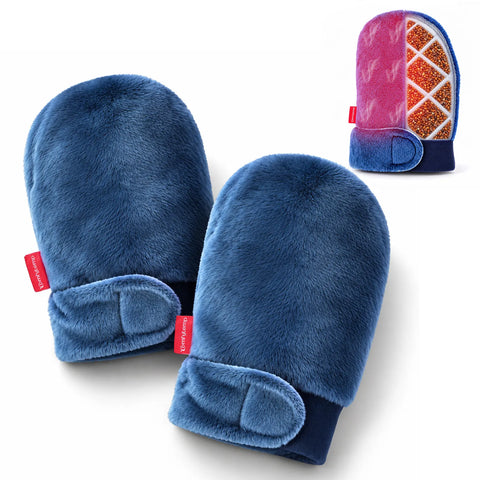
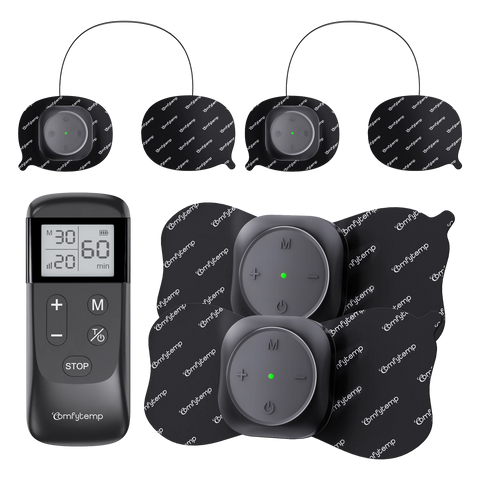
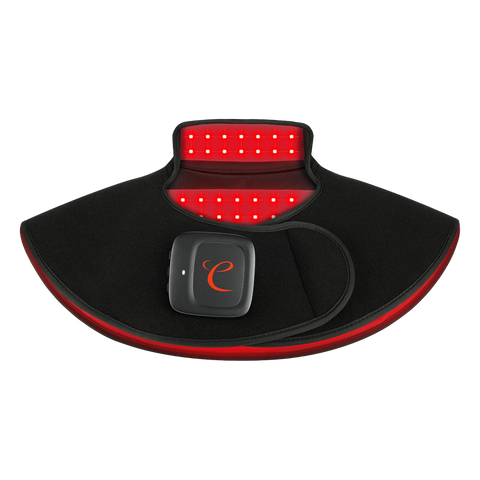
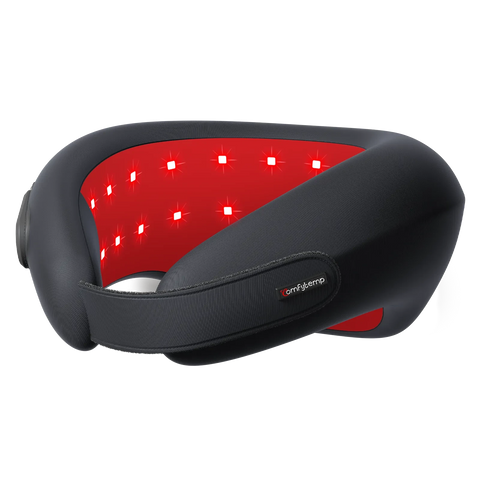
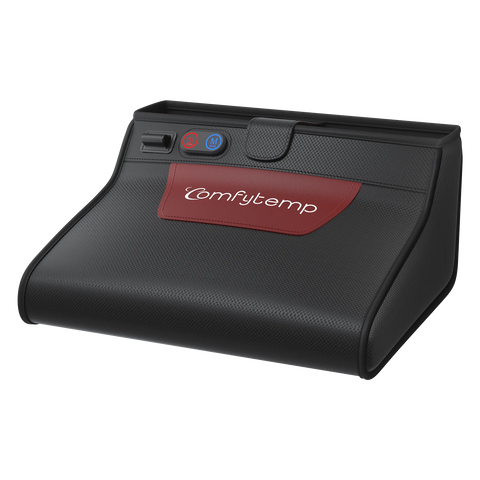
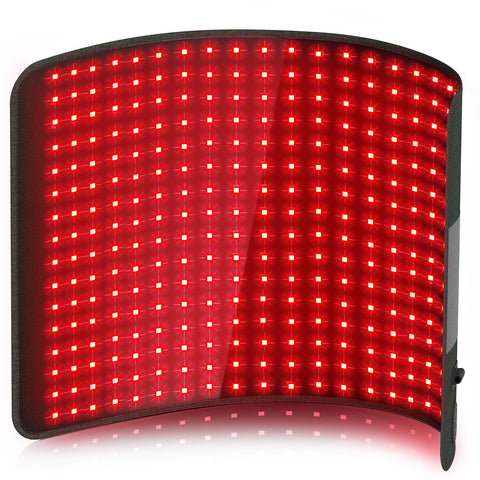
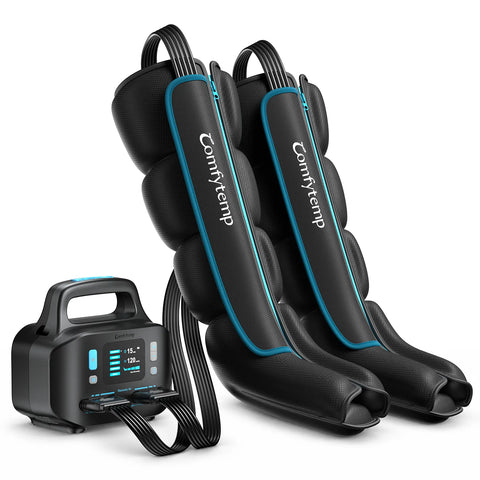
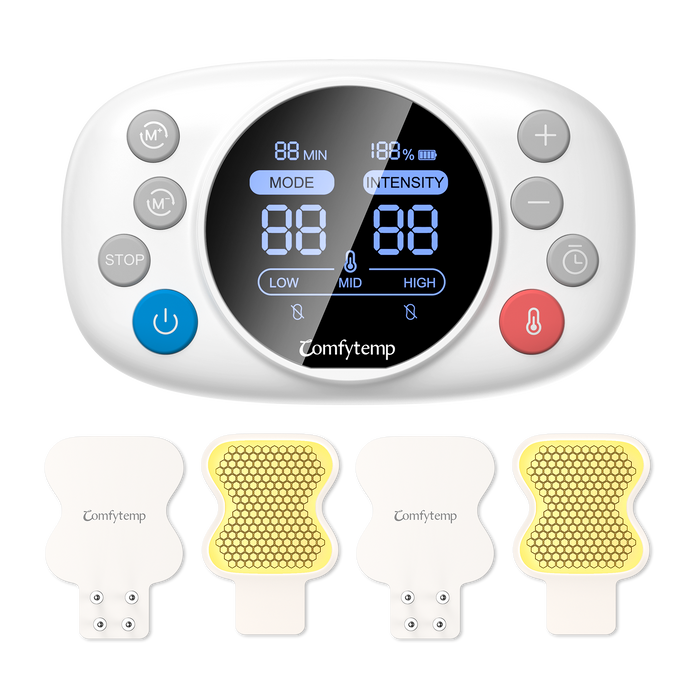
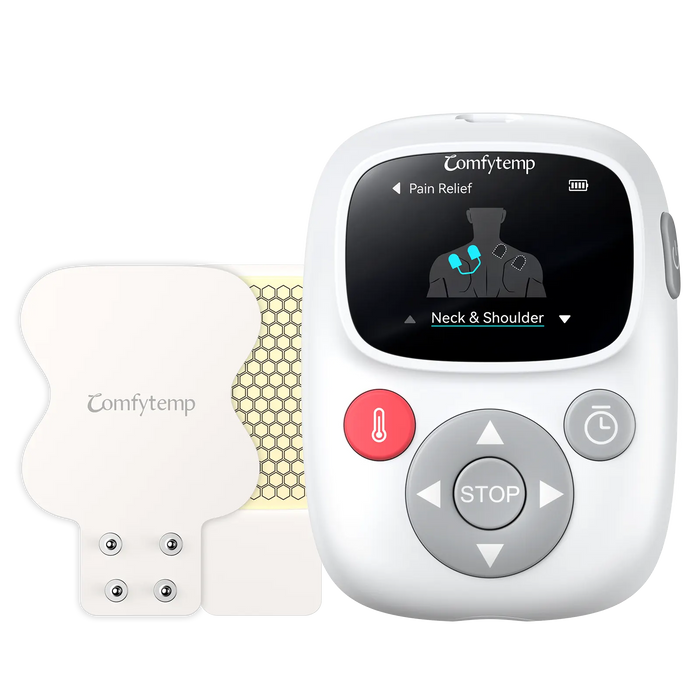
If you want a pad that moves with you and cleans up your desk, a cordless option fits. If warmth intensity is the goal, prioritize corded. For readers who want professional-grade comfort at home or the office without cords crossing the desk, Comfytemp's cordless and USB travel heating pads are built around exactly this short-session, portable use case — drug-free and non-invasive, with adjustable heat so you can dial in comfort rather than chasing maximum temperature.
Frequently Asked Questions
Q1: How long does a cordless heating pad actually last on one charge?
Usually about one to three hours at low to medium heat, less at high. Runtime drops as the battery ages, so plan on topping up daily if you use it every workday.
Q2: Can I leave a cordless heating pad on all day at my desk?
Not recommended. Most pads auto-off after a set window, and prolonged high heat raises burn risk. Use short sessions and let your skin rest between them.
Q3: Is a cordless heating pad safe to use at work?
For most healthy adults, yes, when used on low-to-medium heat for short periods. If you're pregnant, have reduced sensation, circulation issues, or an implanted device, consult your healthcare provider before use.
Q4: Will a cordless pad get as hot as my plug-in one at home?
Generally no. Battery-powered pads trade peak heat for portability. If intensity matters most, keep the corded pad for home.
Q5: Can I charge it from my laptop?
Often yes, if it uses standard USB-C. A laptop port may charge slowly, so a wall adapter or power bank is faster.
The Bottom Line
A cordless heating pad for office use is a genuinely useful tool — as long as you buy it for the right job. Expect modest heat, one-to-three-hour sessions, and a charging habit, and it will quietly make desk days more comfortable without a cable in your way. If you need hours of steady, intense warmth, a corded pad remains the honest choice.
Ready to make your desk setup cozier? Explore Comfytemp's cordless and USB heating options — professional-grade comfort, drug-free and non-invasive — and pick the runtime and heat level that match your actual workday.


